Group Booster — @cleanrobot Telegram Bot

Group Booster — Telegram Bot @cleanrobot
Scan to open on phone
Group Booster — Telegram Bot @cleanrobot
Bot address: @cleanrobot
Description from Bot

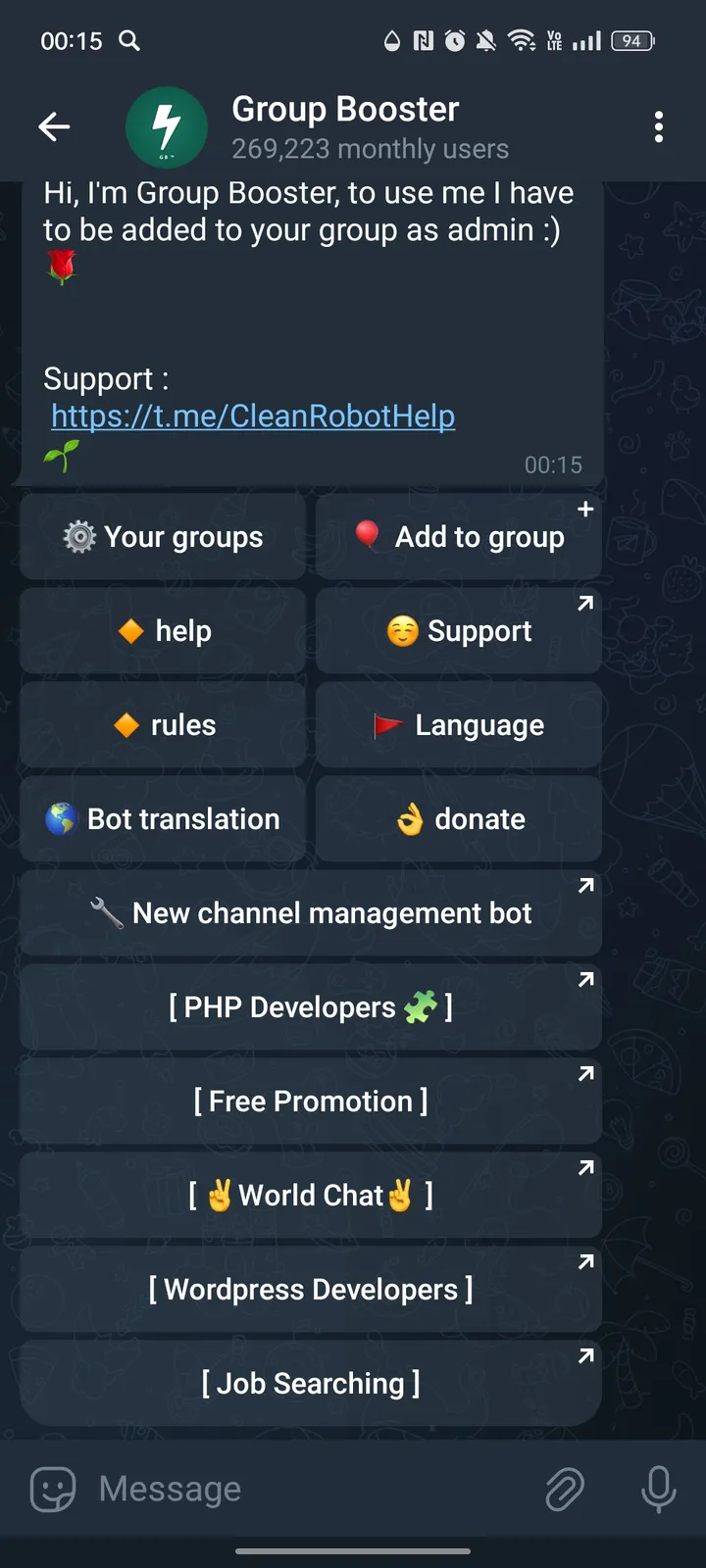
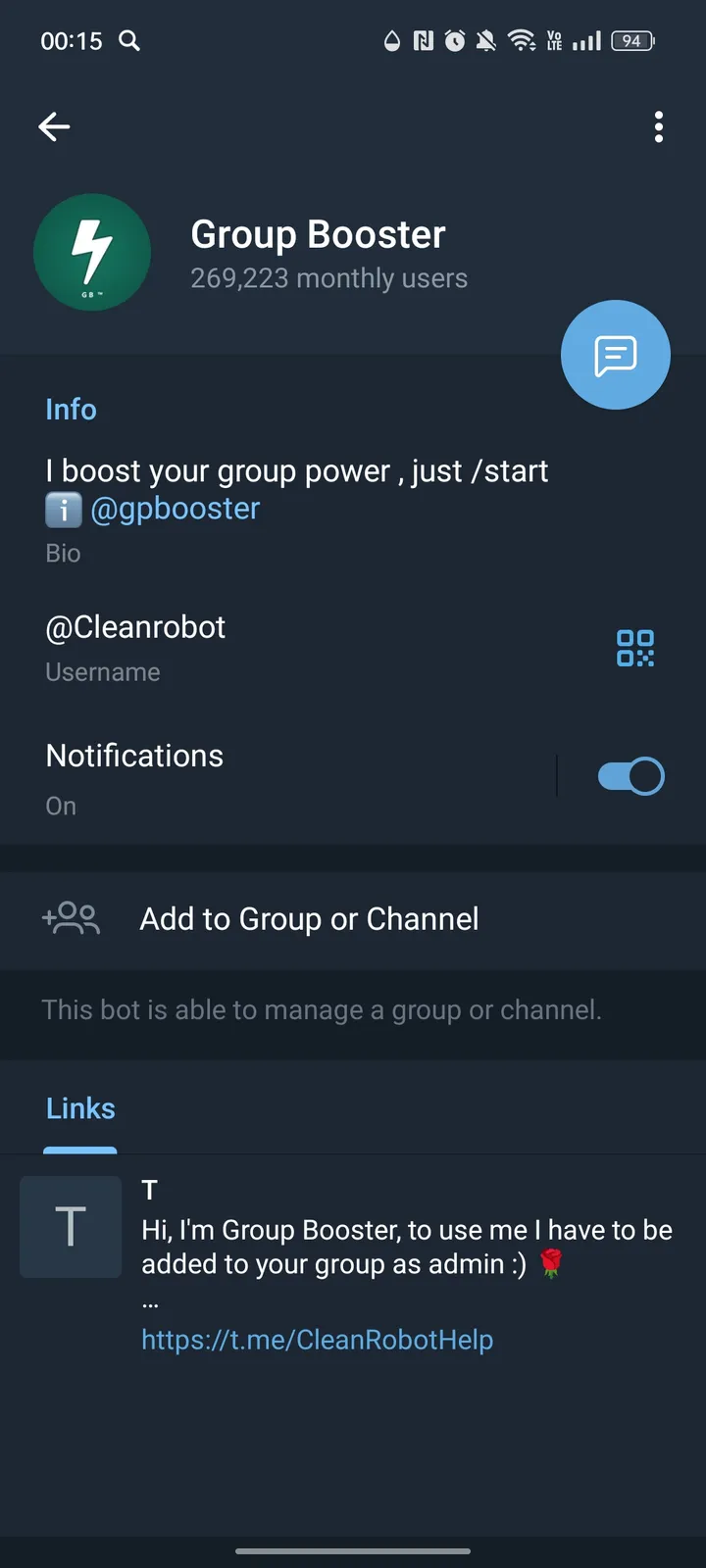
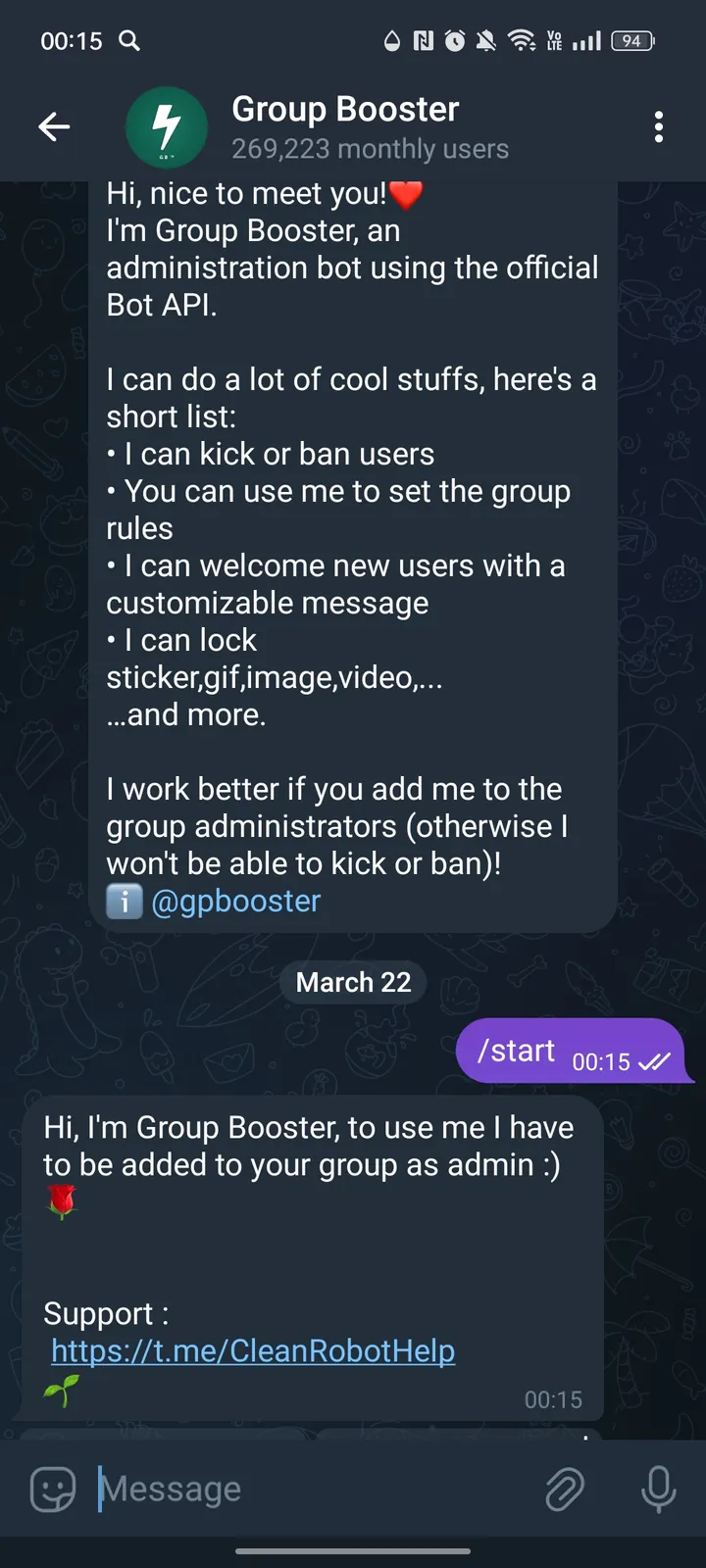
Hi, I'm Group Booster, to use me I have to be added to your group as admin :)

Share this bot:
Transitions to the bot: ( 54 )

Ratings & Reviews

3.00

2 reviews

Reviews can be left only by registered users. All reviews are moderated by admins.

5 stars

0

4 stars

0

3 stars

2

2 stars

0

1 stars

0

Group Booster — Screenshot 1 Group Booster — Screenshot 2 Group Booster — Screenshot 3 Group Booster — Screenshot 4

How to Start

1

Open Bot in Telegram

Click the "Open Bot" button above to open this bot in the Telegram app
2

Start the Conversation

Press the /start command or tap the Start button to begin interacting
3

Explore Features

Use the menu button or type /help to discover all available commands

Frequently Asked Questions

Common questions about Telegram bots

A Telegram bot is an automated program that runs inside the Telegram messenger. Bots respond to commands, process messages, and provide services like automation, information lookup, file processing, and entertainment. Tap Start to begin interacting.
Click the "Open Bot" button on this page, then tap /start in the chat. The bot will show available commands and instructions. Most bots also provide a /help command and a menu button with all available features.
Check the bot's rating and subscriber count on this page. Avoid sharing passwords, payment details, or private keys with any bot. Verified bots from established developers with many users are generally safe for their intended purpose.
Most Telegram bots are free with basic features available to everyone. Some bots offer premium plans with extended capabilities, higher usage limits, or priority processing. Pricing details are usually shown when you start the bot.